
How to Navigate PowerSchool
Signing into PowerSchool
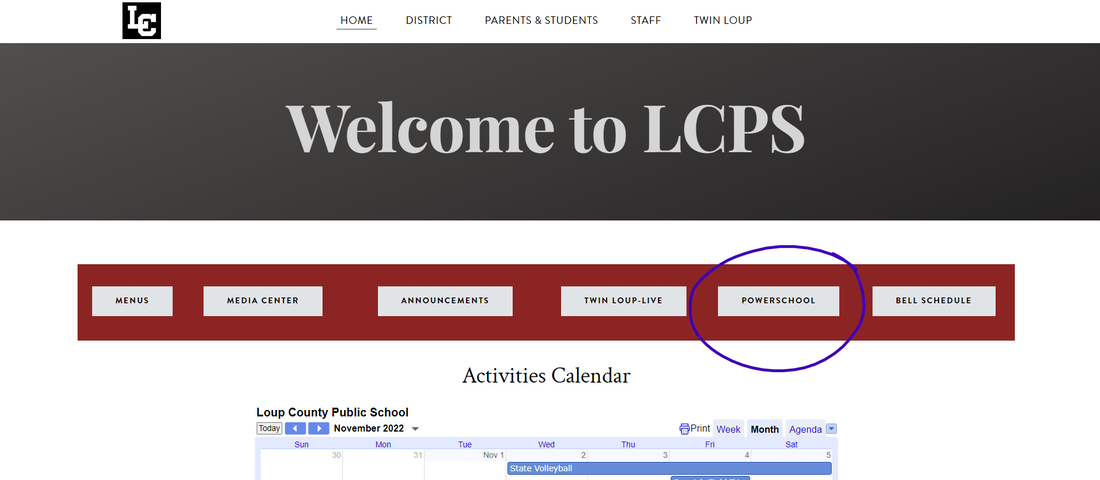
On the Loup County Webpage Home Screen you will find the PowerSchool button. CLICK and it will take you to the PowerSchool sign-in screen.
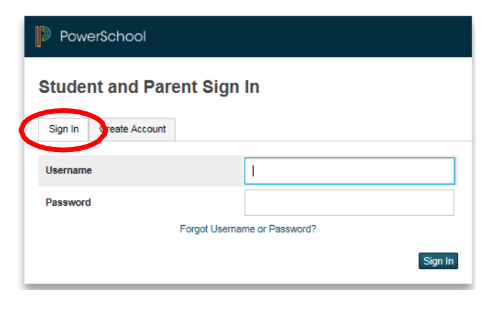
Sign in using the provided five digit number for username and the provided password.
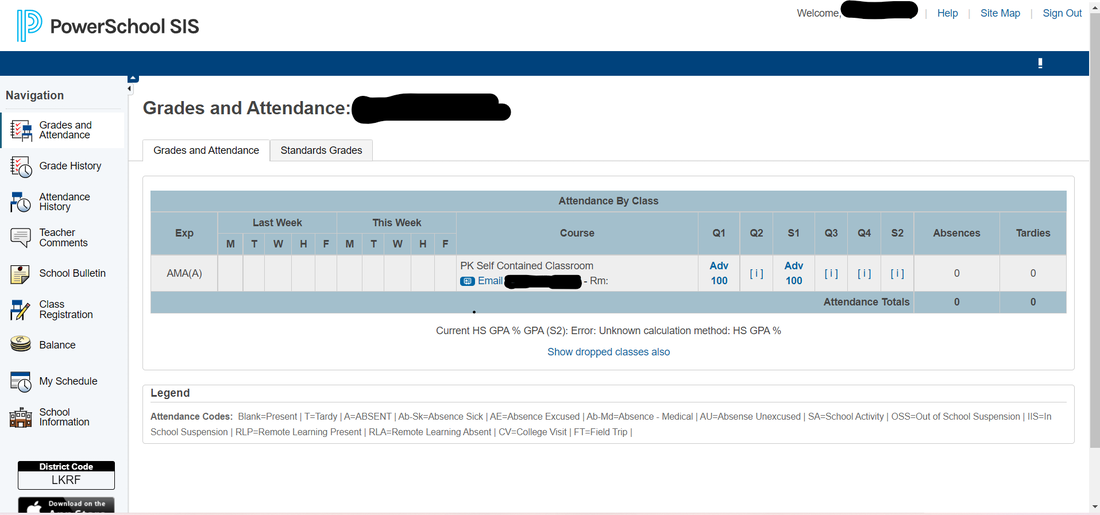
Once signed in you can toggle through all the icons located on the left of the screen. You can access students grades, attendance, breakfast & Lunch balance, etc. If you have any questions please call the office and they can help. Thank you!